
1. Getting Started
Set up your template and understand the basics before making changes.
Source: Framer Academy
Important Notes
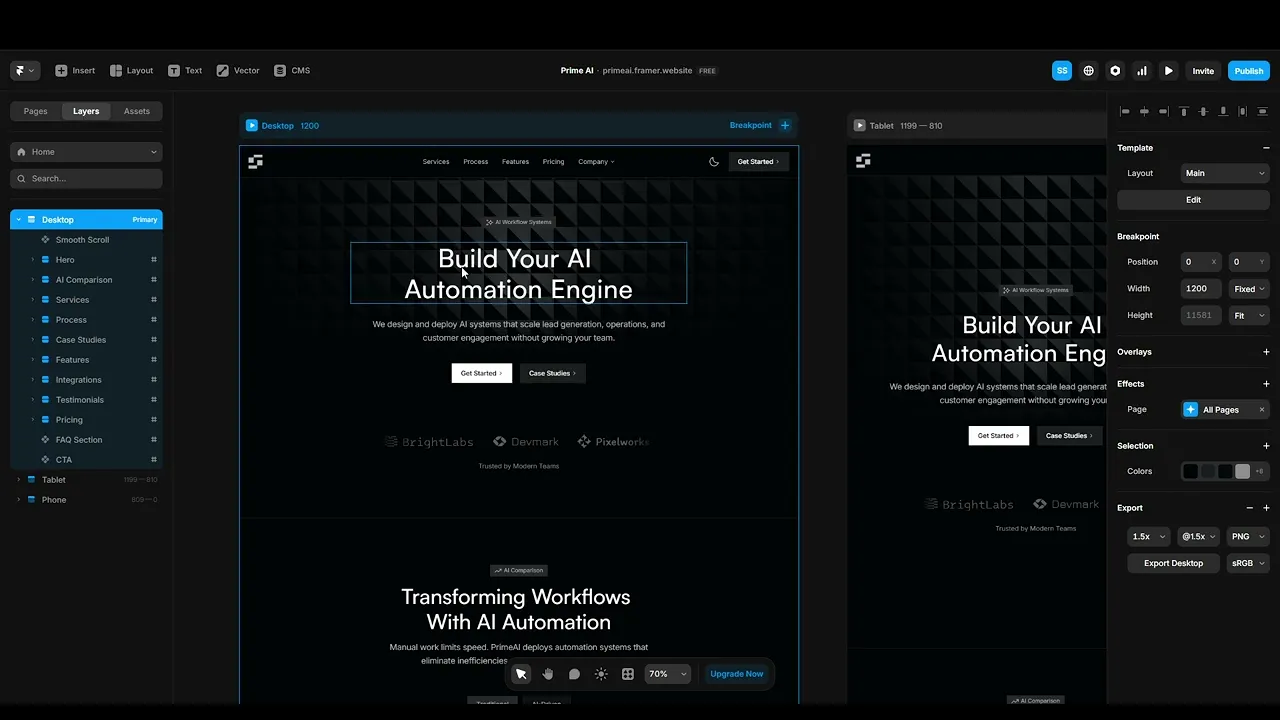
• Always start editing from the Desktop breakpoint. Changes will cascade down unless overridden.
• Duplicate the template into your own workspace before making edits.
• Avoid deleting sections before understanding how they are structured.
1.1 Duplicate the Template
Open the template link and duplicate it into your Framer workspace. This creates your own editable version where you can safely make changes.
1.2 Explore the Structure
Take a few minutes to explore the layout, sections, and pages. Understanding the structure will help you make changes without breaking anything.
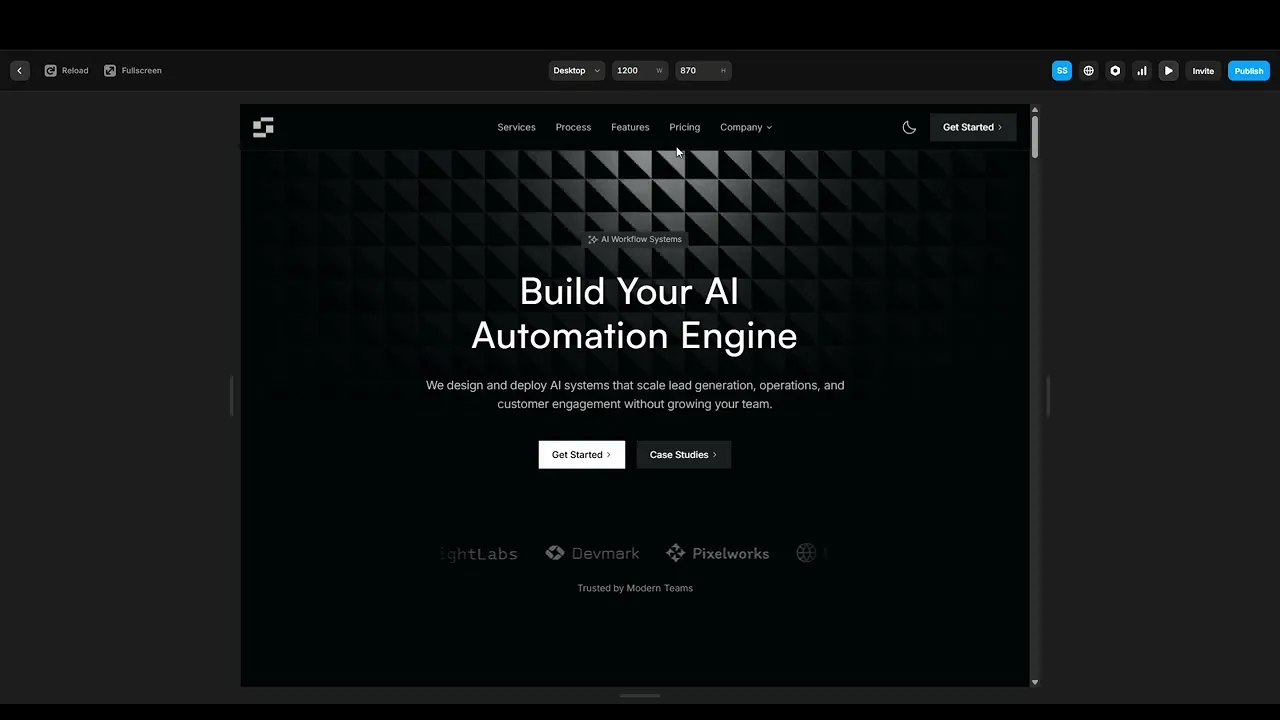
1.3 Preview the Website
Use preview mode to see how the website looks and behaves before making edits. This helps you understand spacing, layout, and interactions.
Quick Tip
Start by making small edits first to understand how everything works before customizing the full template.