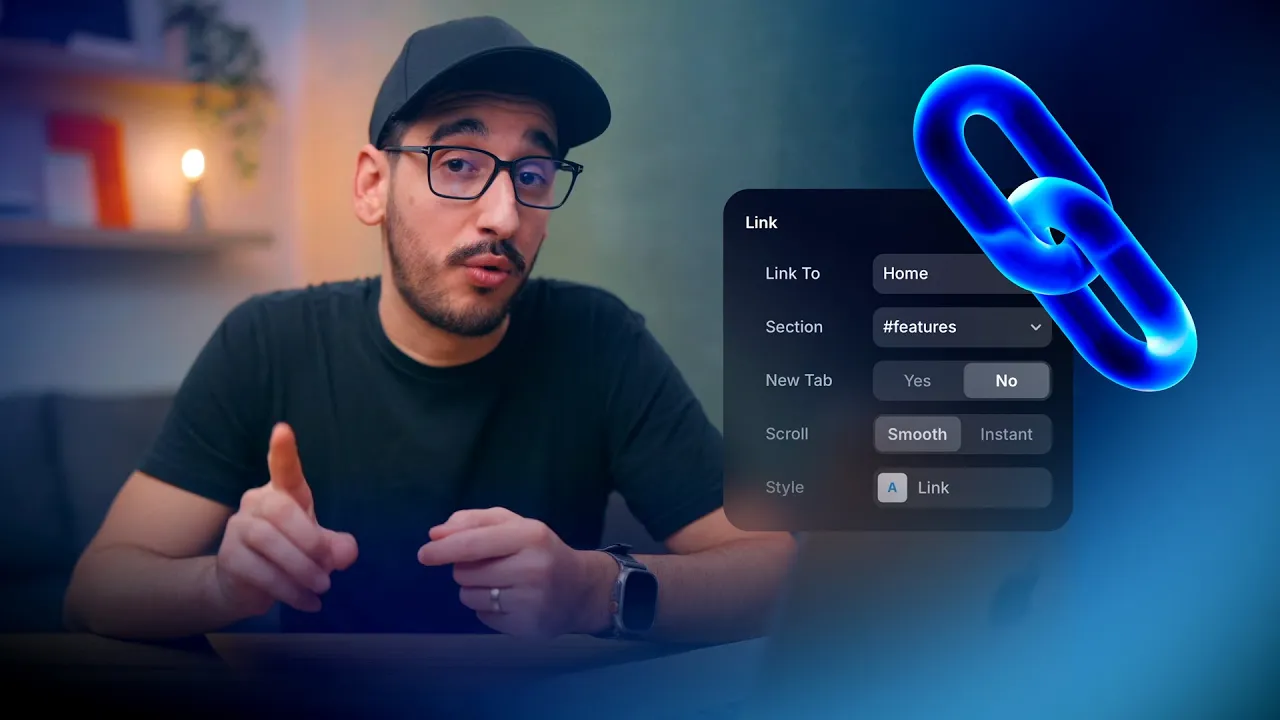
4. Navigation & Links
Connect pages, buttons, and navigation elements correctly across your website.
Source: Framer Academy
Important Notes
• Always test links after updating them to avoid broken navigation
• Make sure buttons and navigation items point to the correct pages
• Don’t forget to update links in mobile menus as well
• Internal links should use page linking instead of full URLs
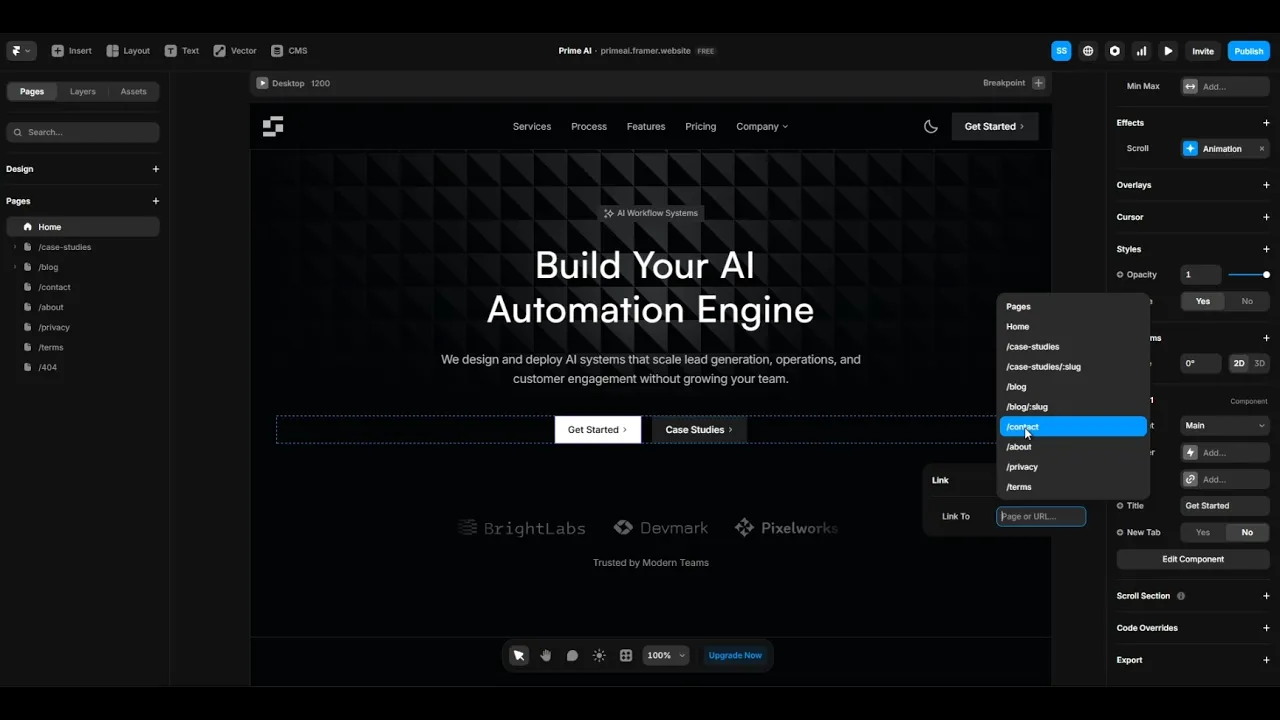
Update Navigation Links
Select navigation items such as menu links or buttons and update their destination using the link settings. Make sure each link points to the correct page.
Check both desktop and mobile navigation to ensure everything is connected properly.
Quick Tip
Use section links for smoother navigation instead of creating multiple pages for simple scroll sections.