
5. Components
Understand and edit reusable elements without breaking your layout.
Source: Framer Academy
Important Notes
• Editing a main component will update all instances across the website
• Changes made to an instance may override the main component
• Avoid detaching components unless absolutely necessary
• Be careful when editing shared sections like navbars and footers
5.1 Edit Component Instances
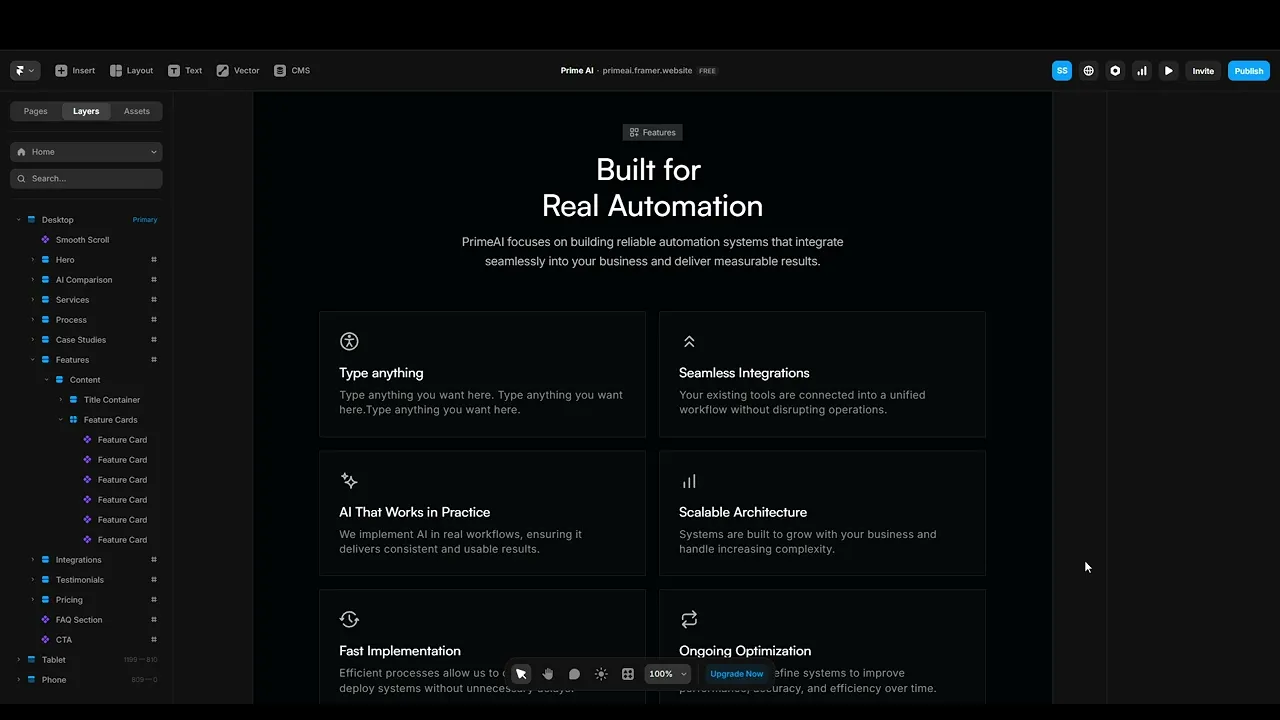
Click on a component used in the layout (like a navbar, card, or section) and edit its content directly. These are instances of a main component.
You can update text, images, and links without affecting the core structure.
5.2 Edit the Main Component
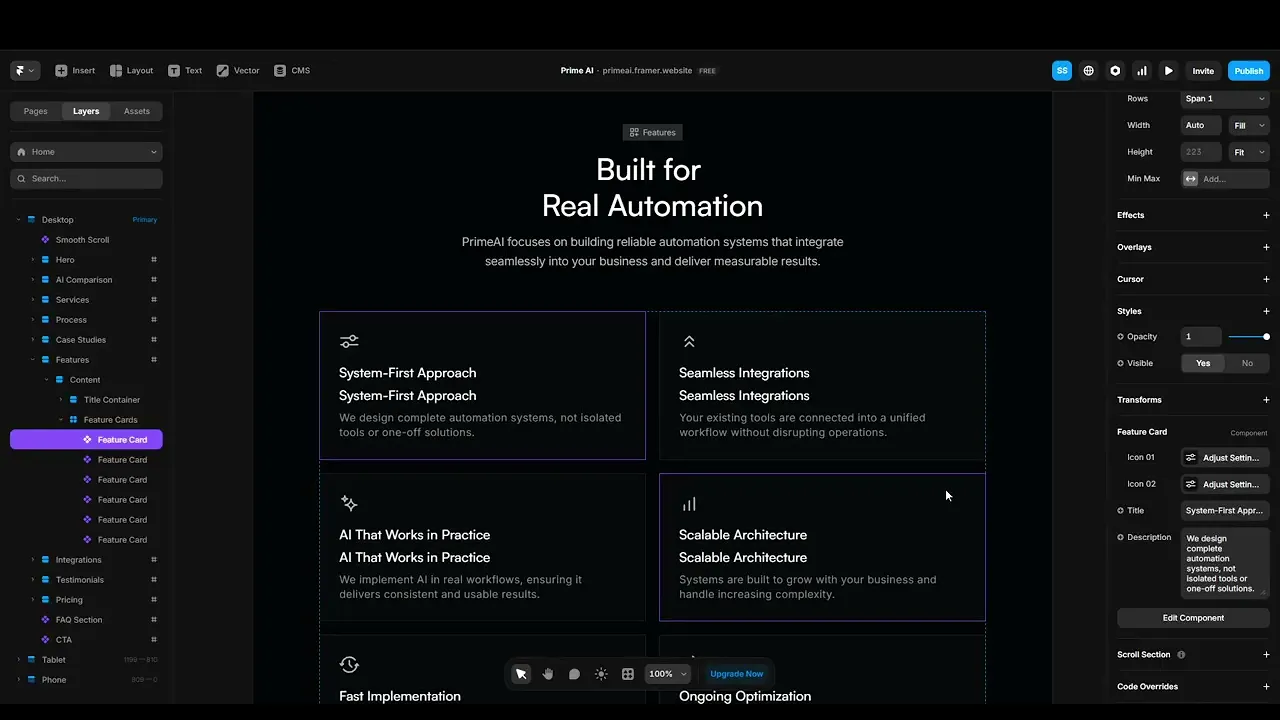
To apply changes across all instances, open the main component and edit it directly. This is useful when updating global elements like navigation or repeated sections.
Be careful changes here affect the entire site.
5.3 Use Components in CMS Content
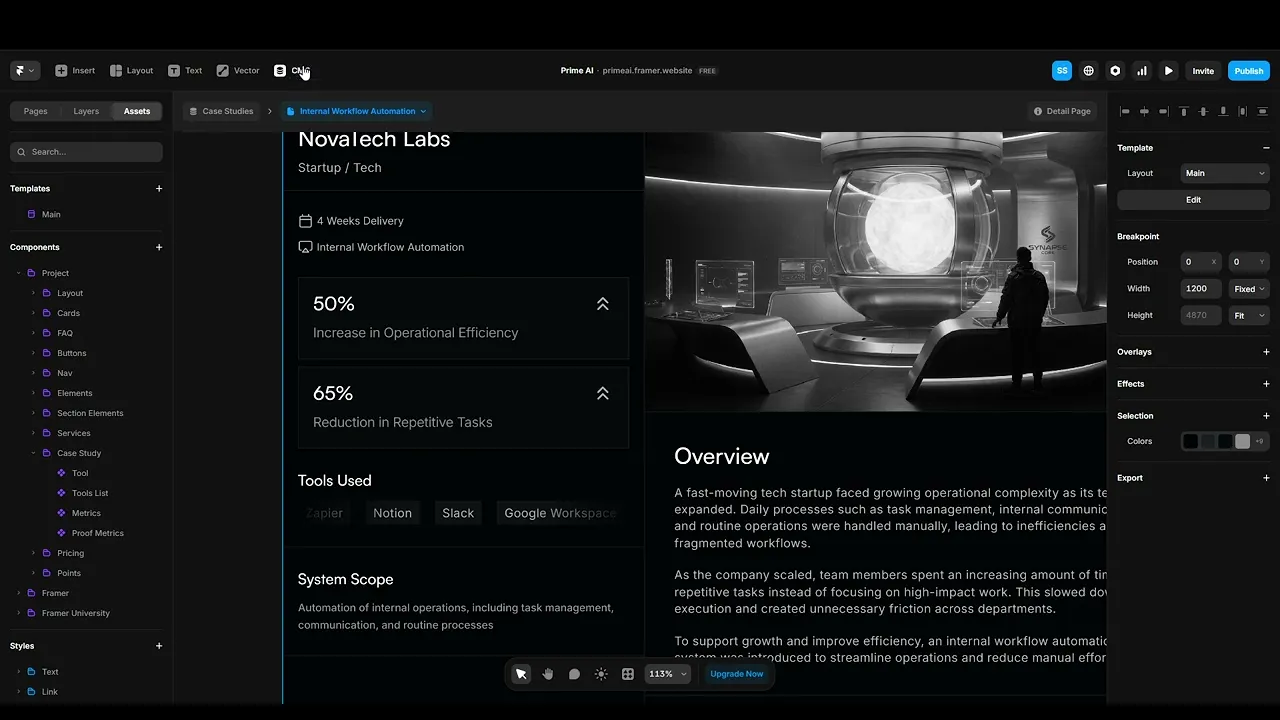
You can insert components directly into CMS rich text fields to create dynamic and interactive content. This allows you to add elements like forms, galleries, or call-to-actions inside CMS pages.
This makes your content more flexible and powerful without needing custom code.

Source: Framer - CMS Components
Quick Tip
Use components for anything that repeats it saves time and keeps your design consistent across the entire site.