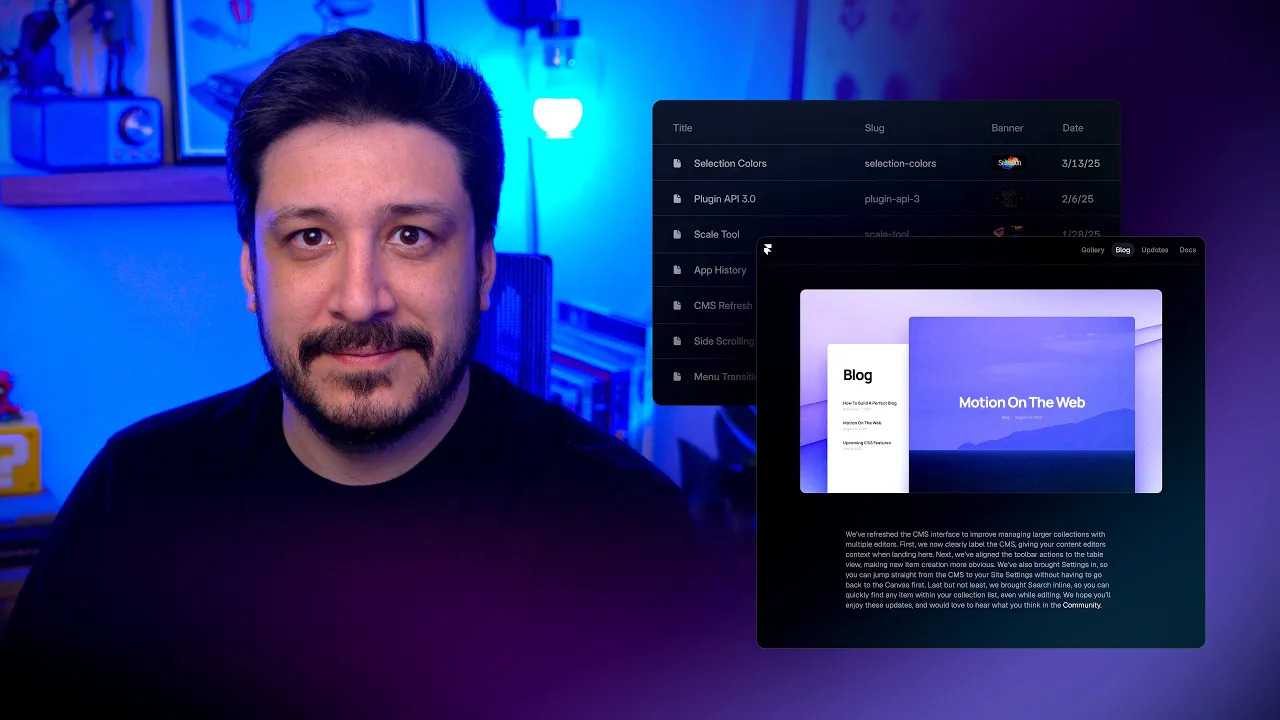
6. CMS (Dynamic Content)
Manage and update dynamic content like case studies and blog posts.
Source: Framer Academy
Important Notes
• Changes made in CMS templates affect all items using that structure
• Deleting elements inside CMS pages removes them from every item
• Always edit content through CMS fields instead of directly on the page
• Keep your CMS structure clean and consistent
6.1 Edit CMS Content
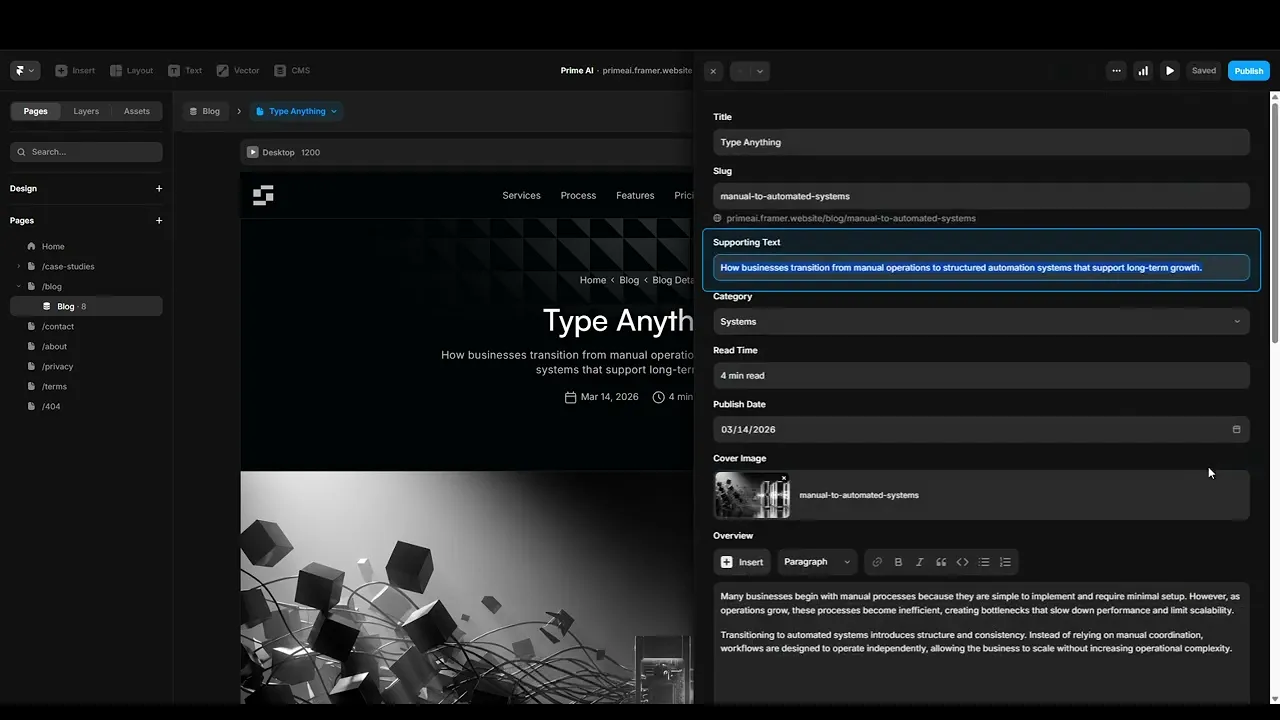
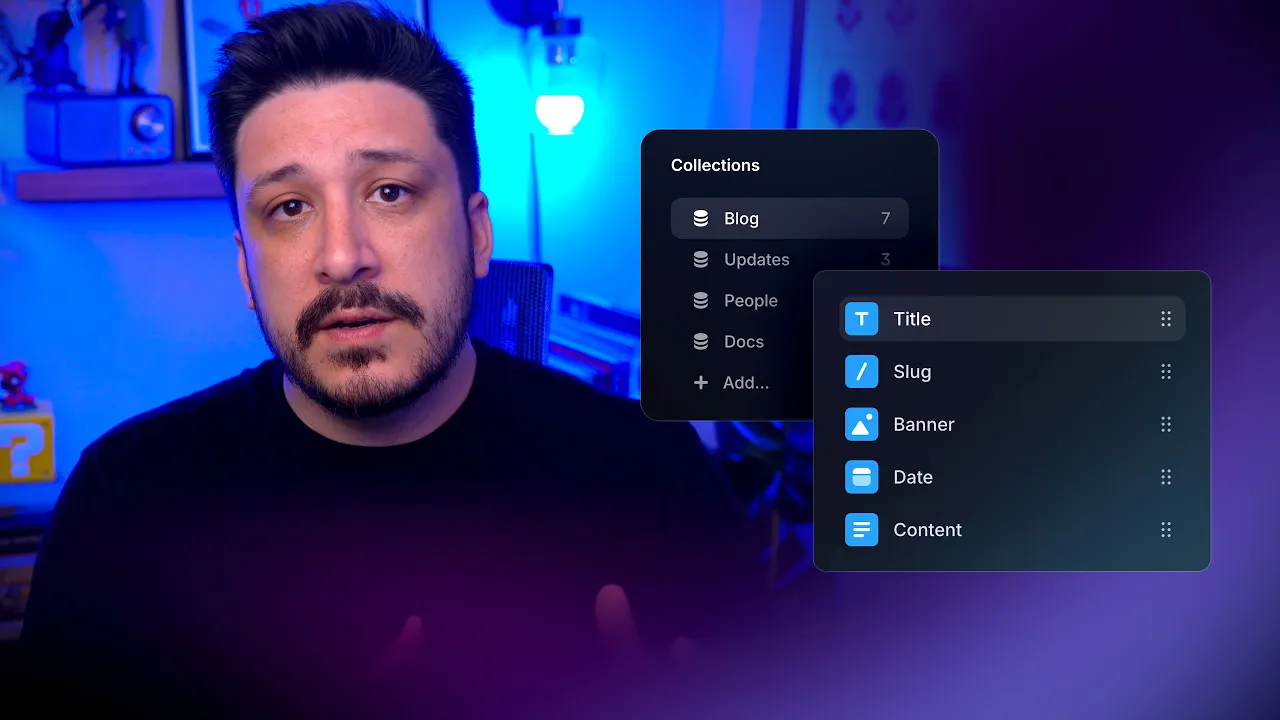
Open your CMS collection and update content such as titles, descriptions, images, and other fields. Each item represents a single entry, like a case study or blog post.
Changes made here will automatically update across the website.
Source: Framer Academy
6.2 Understand CMS Pages
CMS pages are dynamic templates used for all items in a collection. Instead of editing each page individually, you edit the structure once and it applies to every item.
This allows you to scale content without duplicating pages.

Source: Framer Academy
Quick Tip
Always structure your CMS fields clearly before adding content it saves time and prevents issues later.